
Your trainer is ready.
The trainer is where you can work between our sessions happens. It's a private space set up for your business: you practice real conversations, get scored, and we see where to focus when we meet. Nothing here is graded. It's just for you to use.
Two things, in this order.
Together they take about 25 minutes, it will help us understand overall areas to work on when selling and presenting, while giving you a safe space to practice.
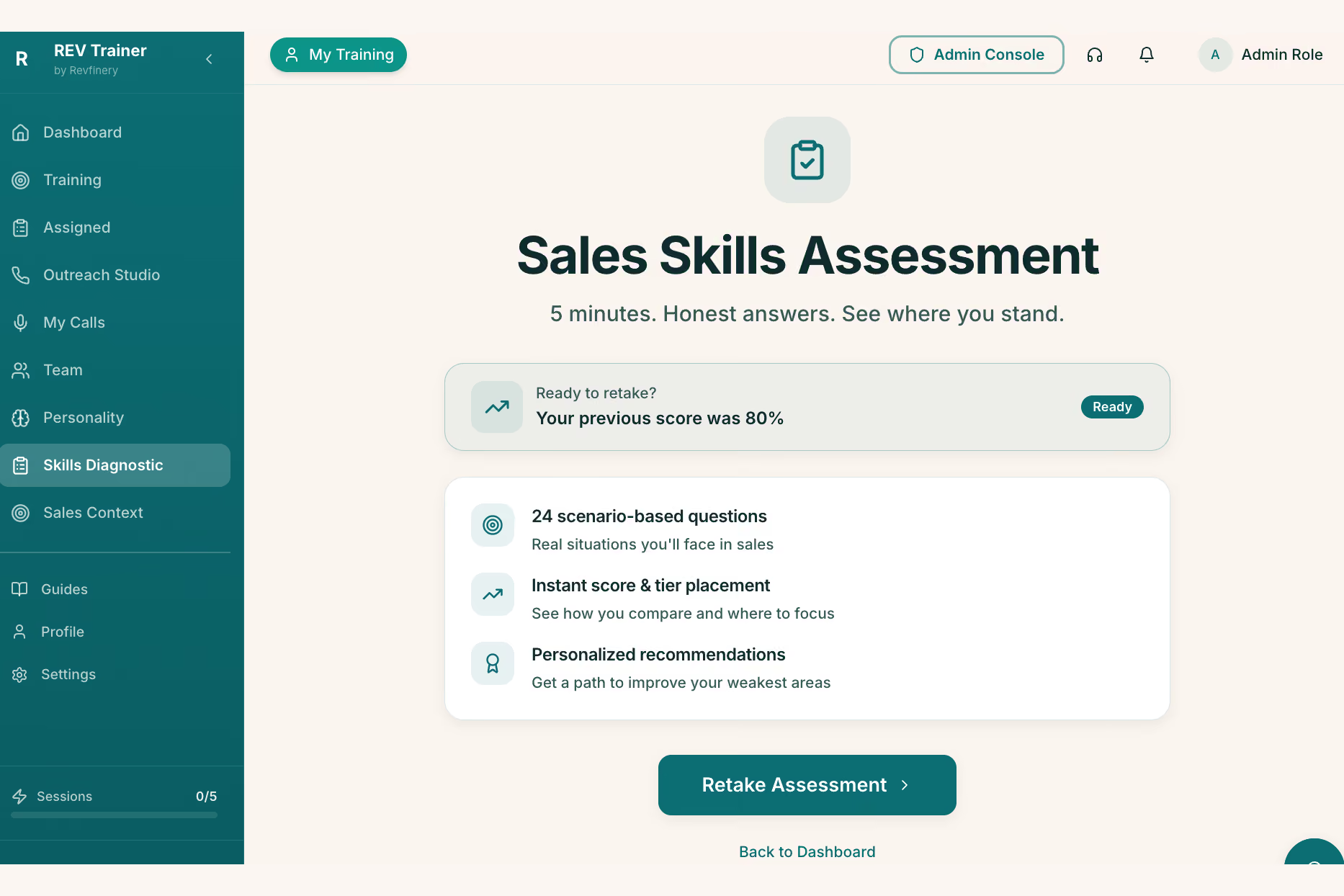
Take the Skills Diagnostic
Real situations you face when you sell. There are no trick questions. Answer what you'd actually do, not what sounds right.
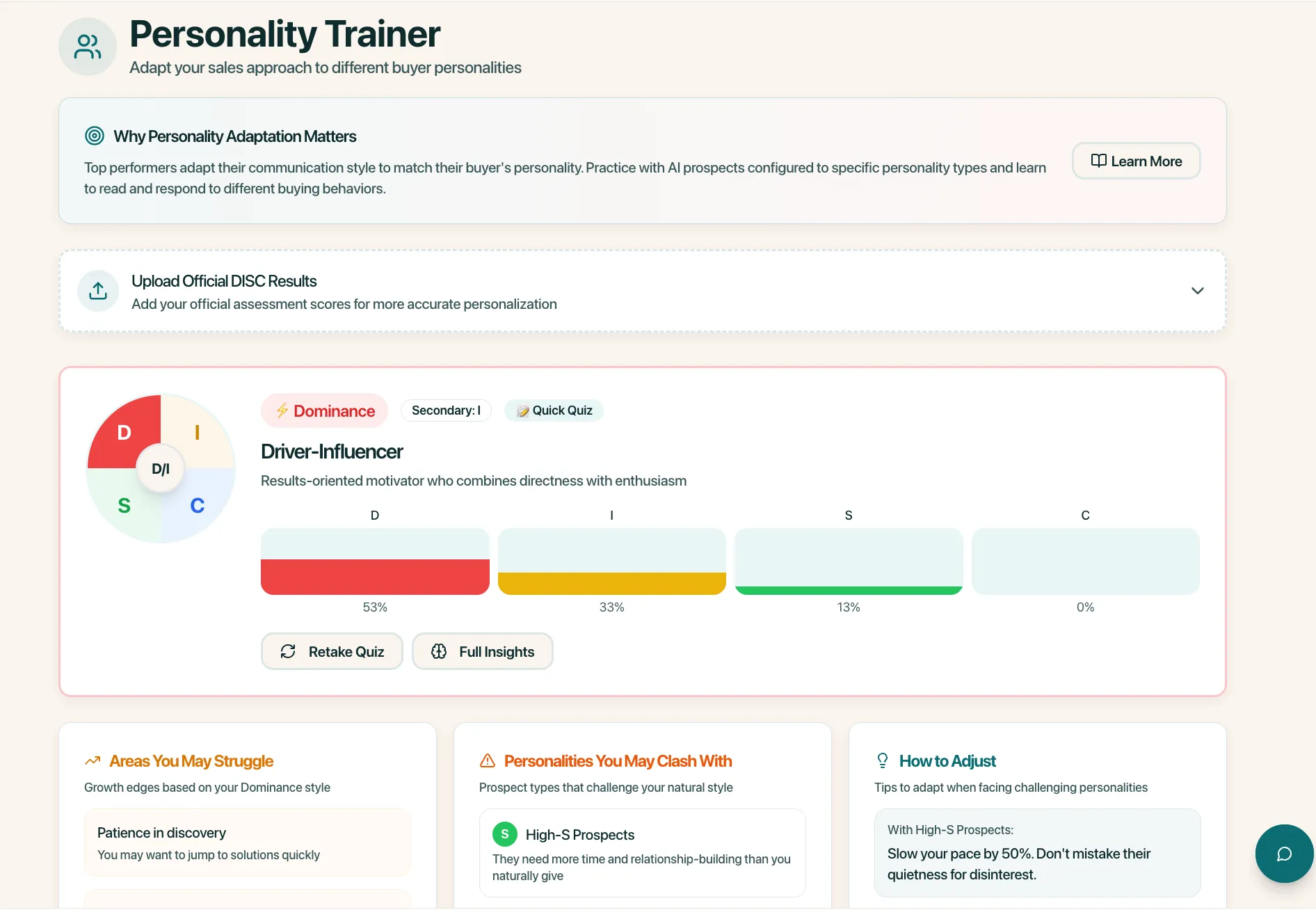
Then take the Personality Assessment
When your Skills Diagnostic results appear, tap the "Take the Personality Assessment" button at the bottom of the report. If you miss it, it's Personality in the left menu.
Five screens that matter first.
Your menu has nine items. These are the ones that matter in your first month.
Home
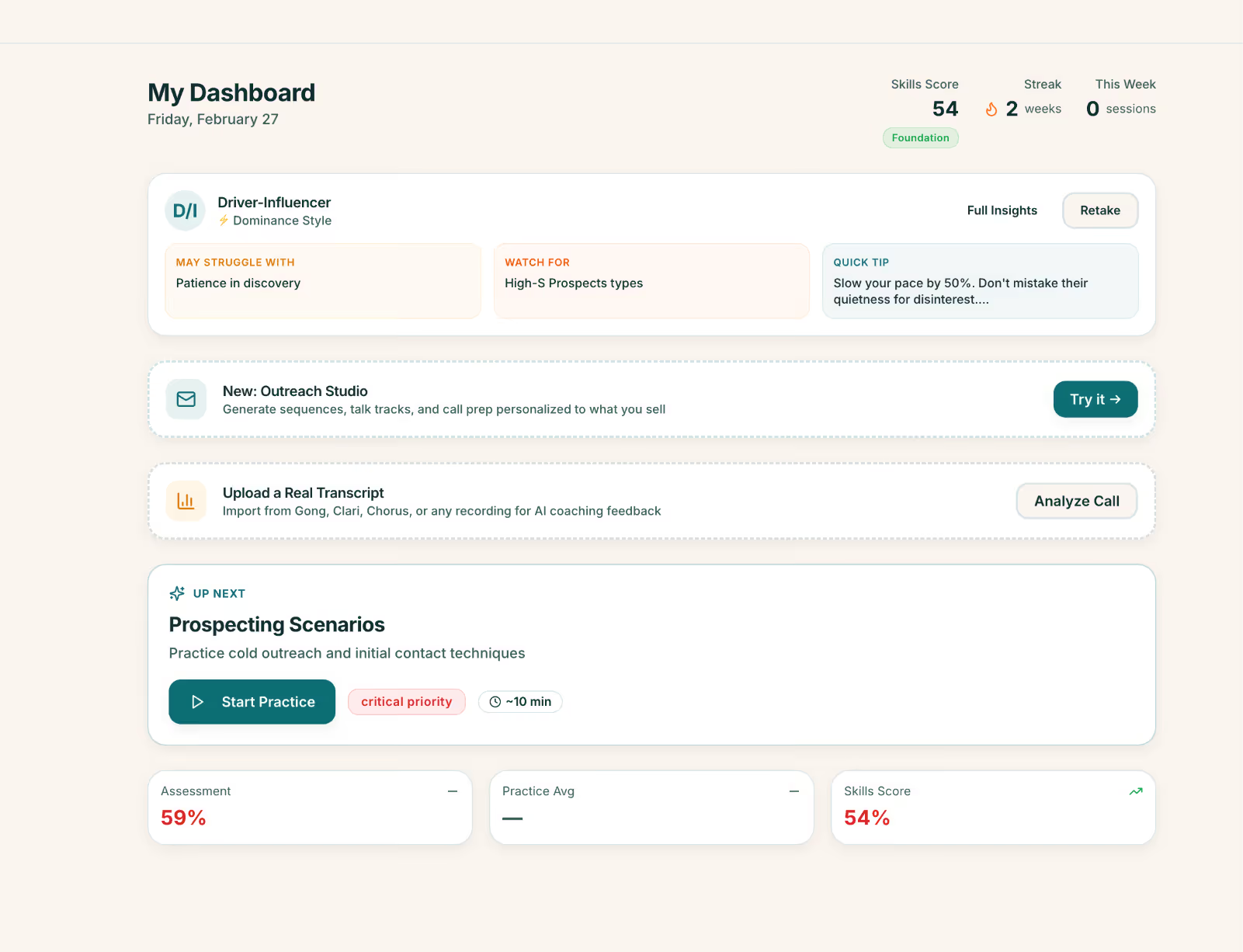
Open trainer.revfinery.com and sign in with the account you created from your invite link. Your home screen shows what to do next and your most recent scores. Both assessments are in the left menu: Skills Diagnostic and Personality.
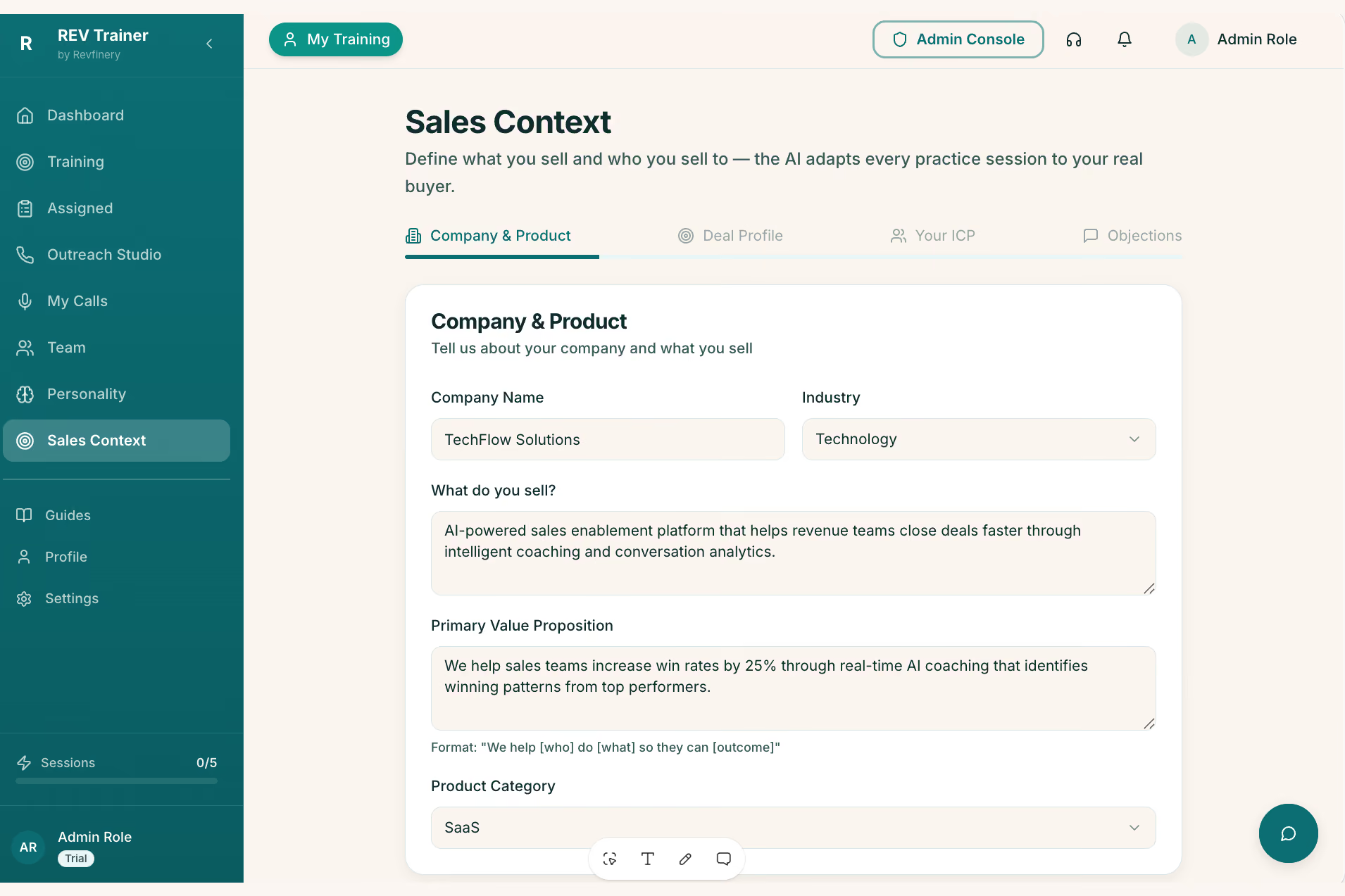
Sales Context
This is where the trainer learns your business: who you serve, what you do for them, what you charge, and how you talk about it. You write the first draft in your own words; we refine it together in a session. The better this is, the more the practice sounds like your real buyers.
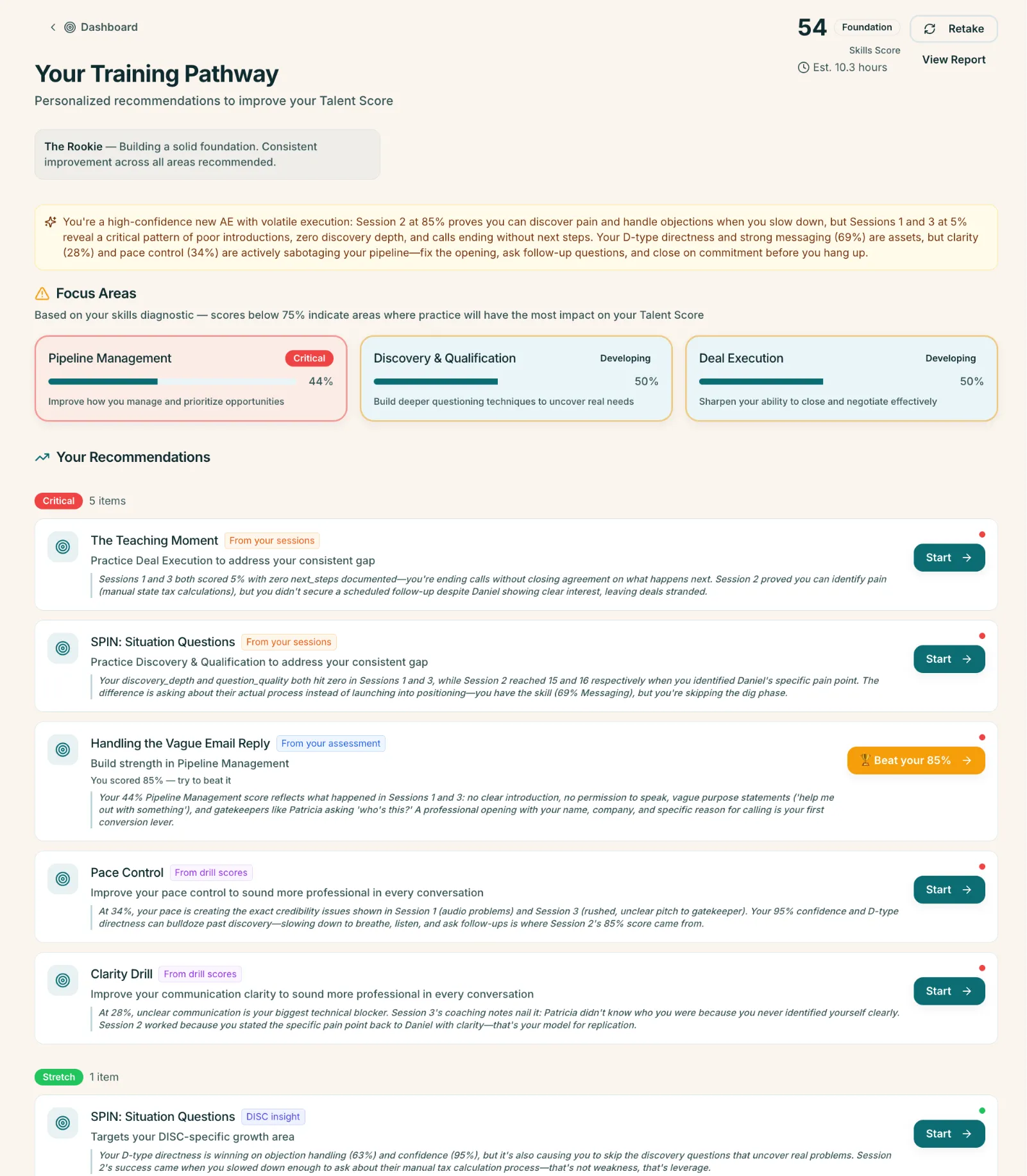
Training Pathway & Scenarios
Training Pathway is the sequence set for your engagement; start there. Scenarios is the full library when you want to pick your own: a first call, a pricing conversation, a buyer who's stalling. You talk, the trainer plays the buyer, and you get a score and specific feedback at the end. Ten minutes, whenever you have them.
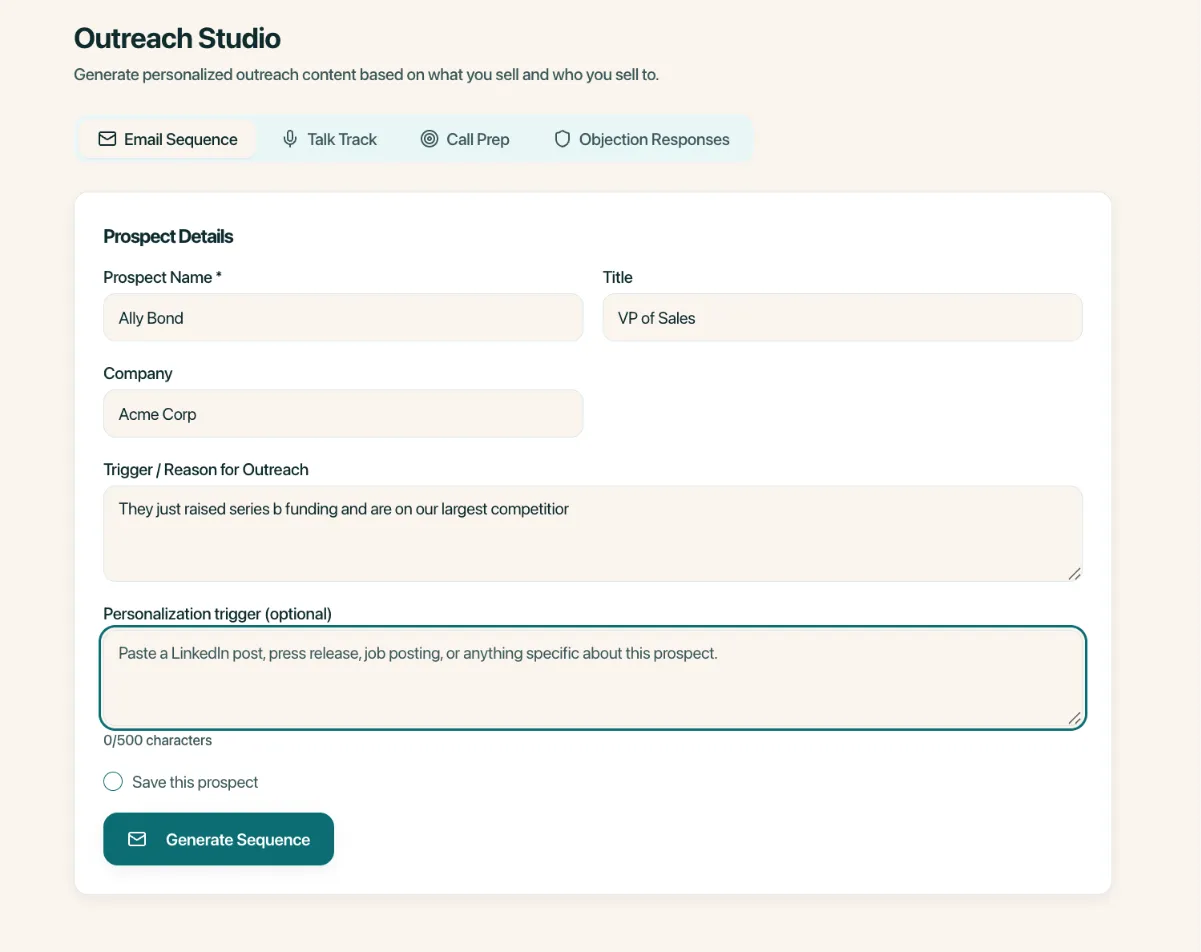
Outreach Studio
Prep for a real conversation you have coming up. Add who you're meeting and what you know, and it helps you plan what to ask and how to open. Use it before every first call.
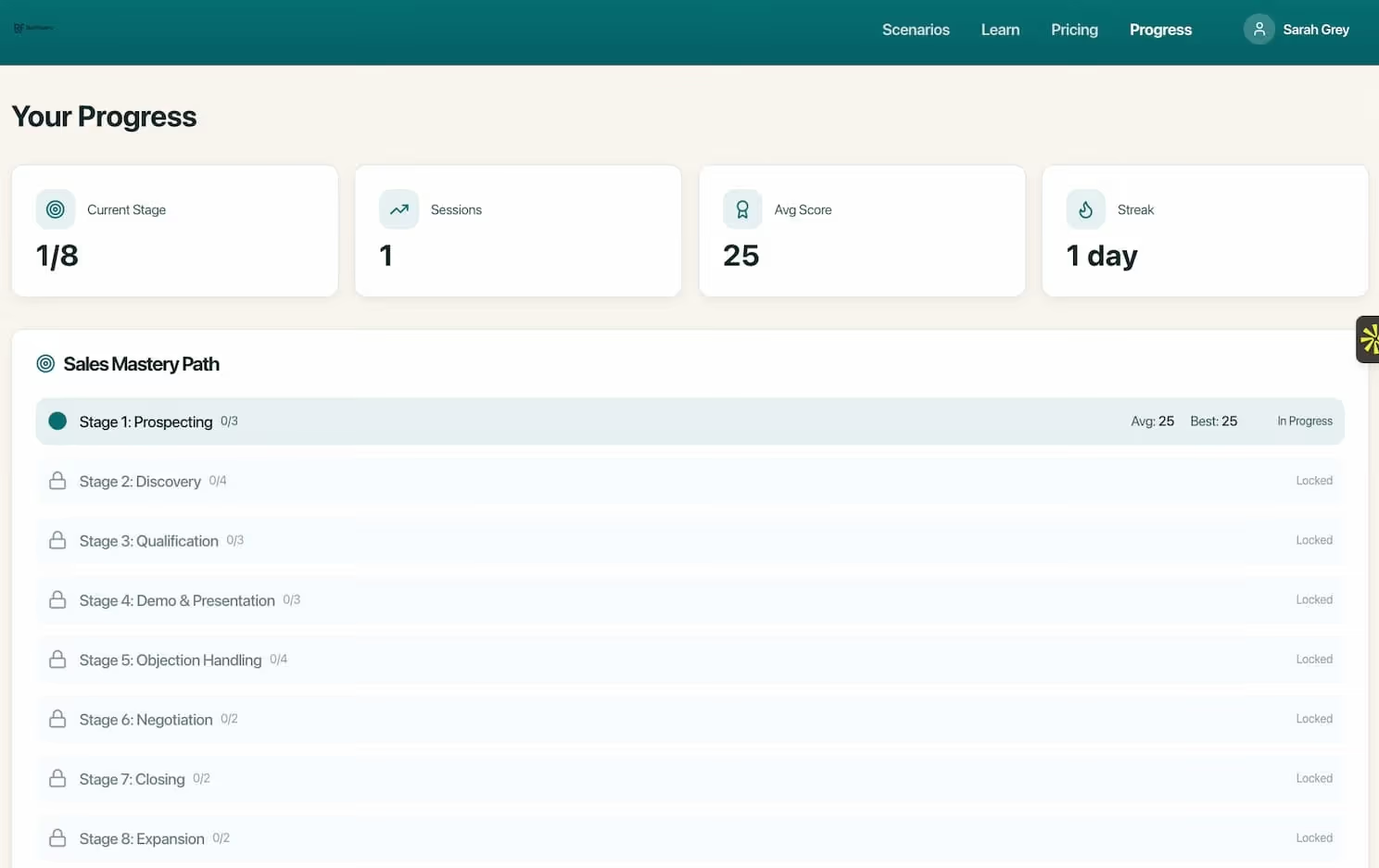
Progress
Your scores over time, by skill area. This is the page we open together at the start of each session. You don't need to study it; just know it's there.
Four rules to get the most out.
Typing is fine, but saying your price out loud is the whole point.
Five minutes of practice changes how you walk in.
A low score on a hard scenario is useful. A high score on an easy one isn't.
If something in the trainer felt wrong for your business, say so. That's how it gets tuned to you.
Only you and your Revfinery consultant (when shared) can see your sessions and scores. Nothing is shared with anyone else.
Need Help?
Reach out directly. If a screen isn't loading or a button doesn't do what this guide says, that's on us to fix, not on you to work around. The trainer is still in BETA so we expect there might be some bumps in the road. Or provide details directly in the trainer.
Email Revfinery →